
You can send a push notification directly from a content listing — such as news items, events, resources, or forms — with the content automatically attached. This is the quickest way to notify members about a specific piece of content.
Steps
- Log in to the app manager.
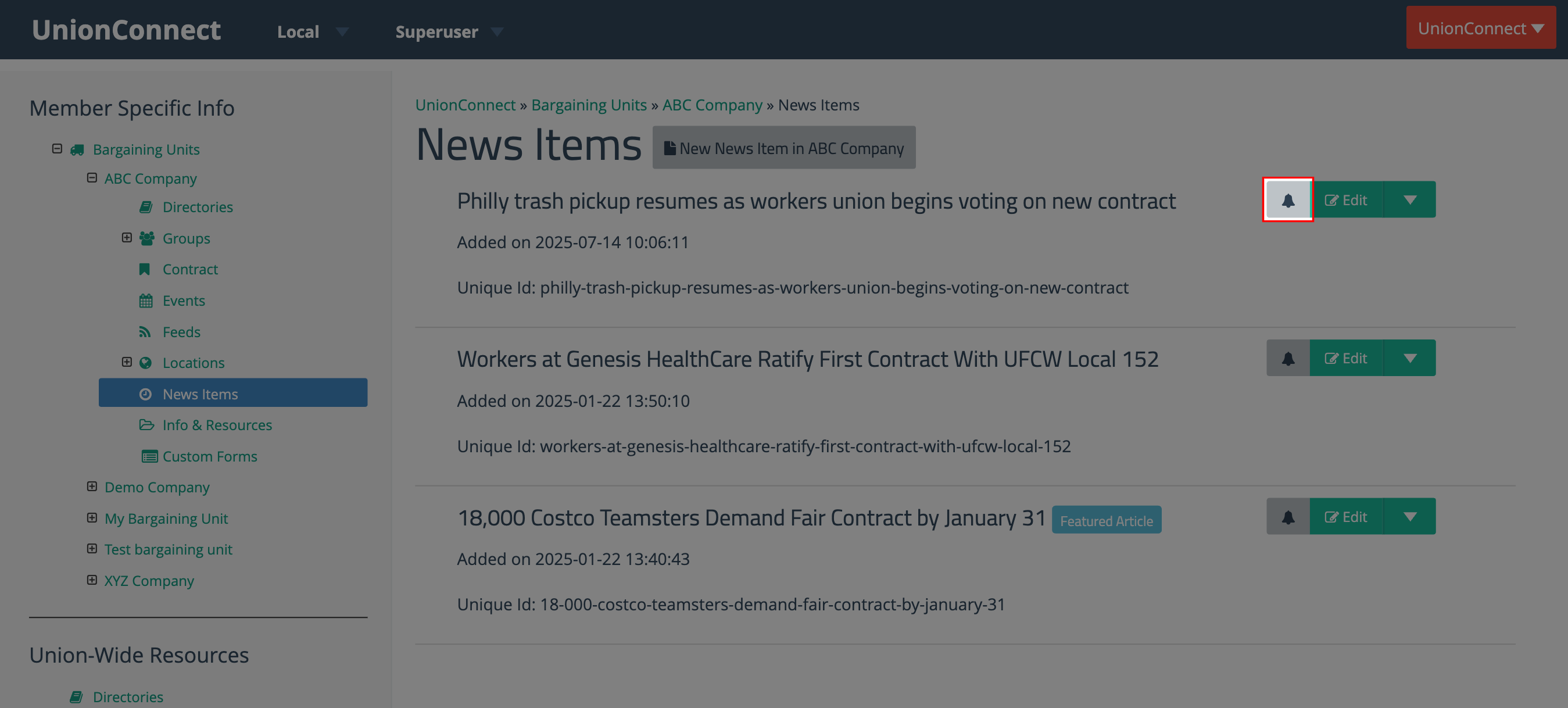
- Navigate to a content listing under a bargaining unit — for example, News Items, Events, Info & Resources, or Custom Forms.
- Click the bell icon next to the content item you want to send.
The Send Push Notification modal opens with the content item already attached and the audience automatically determined by where the content is published.
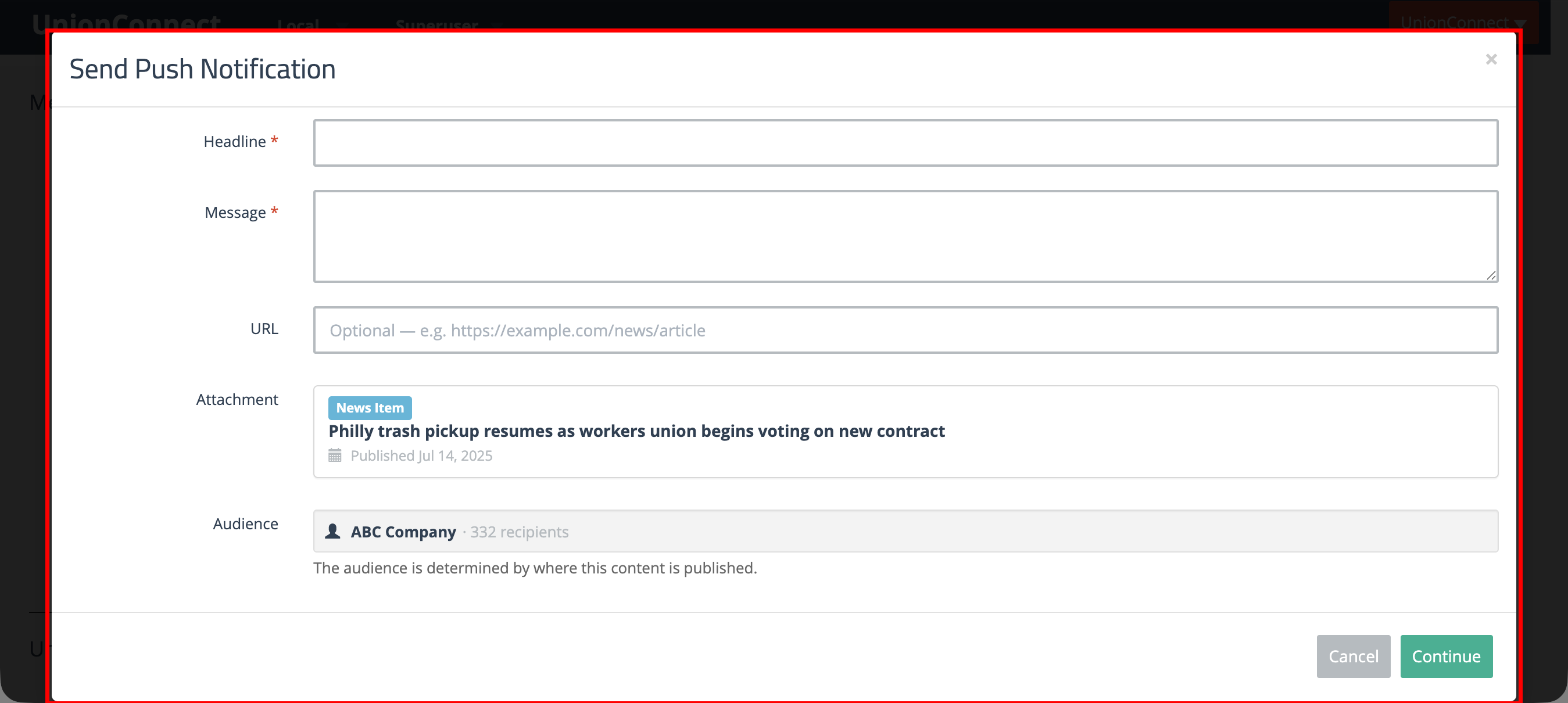
- Enter a Headline and Message for the notification. The attachment and audience are already set — you do not need to change them.
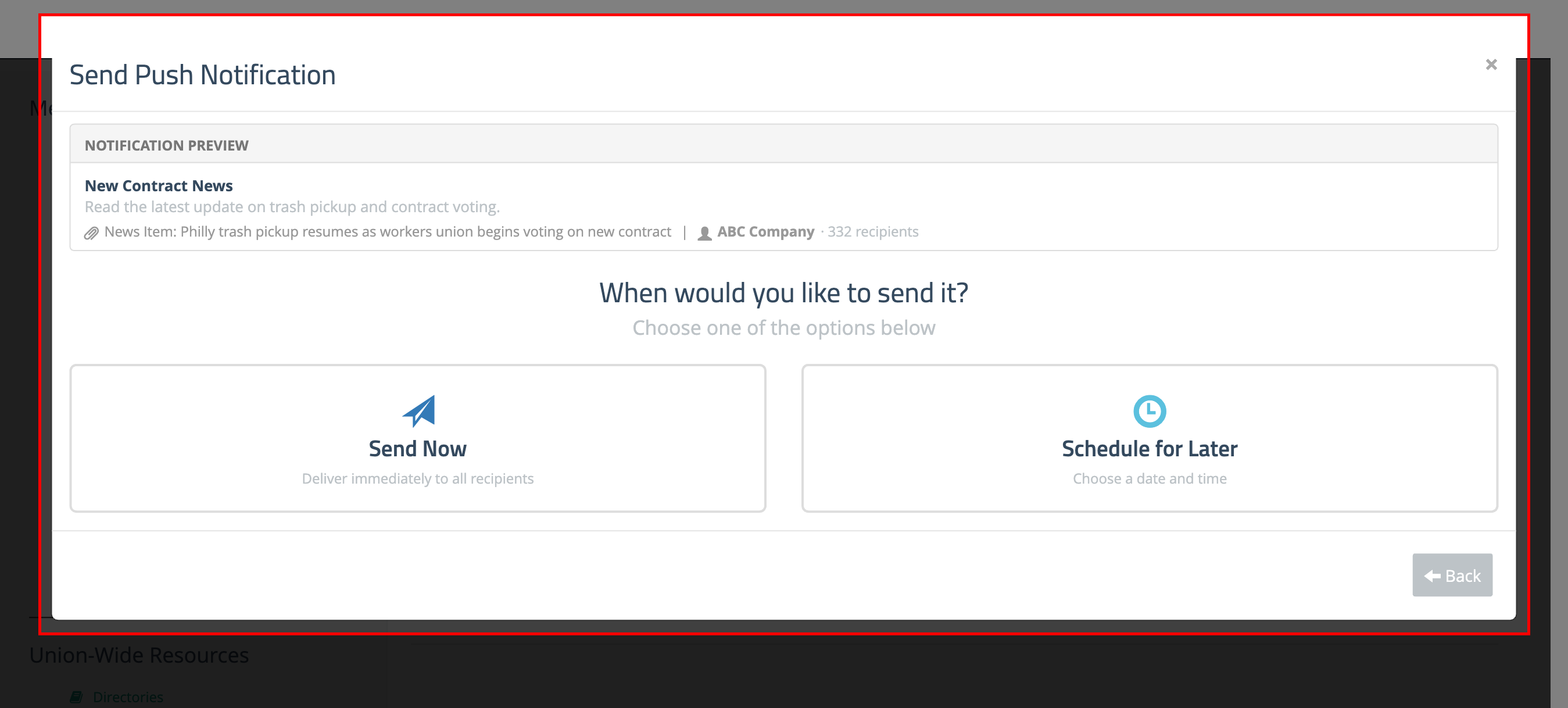
- Click Continue to proceed to the delivery step.
- Choose Send Now to deliver immediately, or Schedule for Later to pick a date and time.
When members receive the notification and tap it, they will be taken directly to the attached content in the app.