
If you are an admin for more than one local, or if you are a Superuser, you can switch between locals from within the app manager. This lets you manage multiple locals without having to log out and log back in.
How to Switch Locals
- Login to the app manager
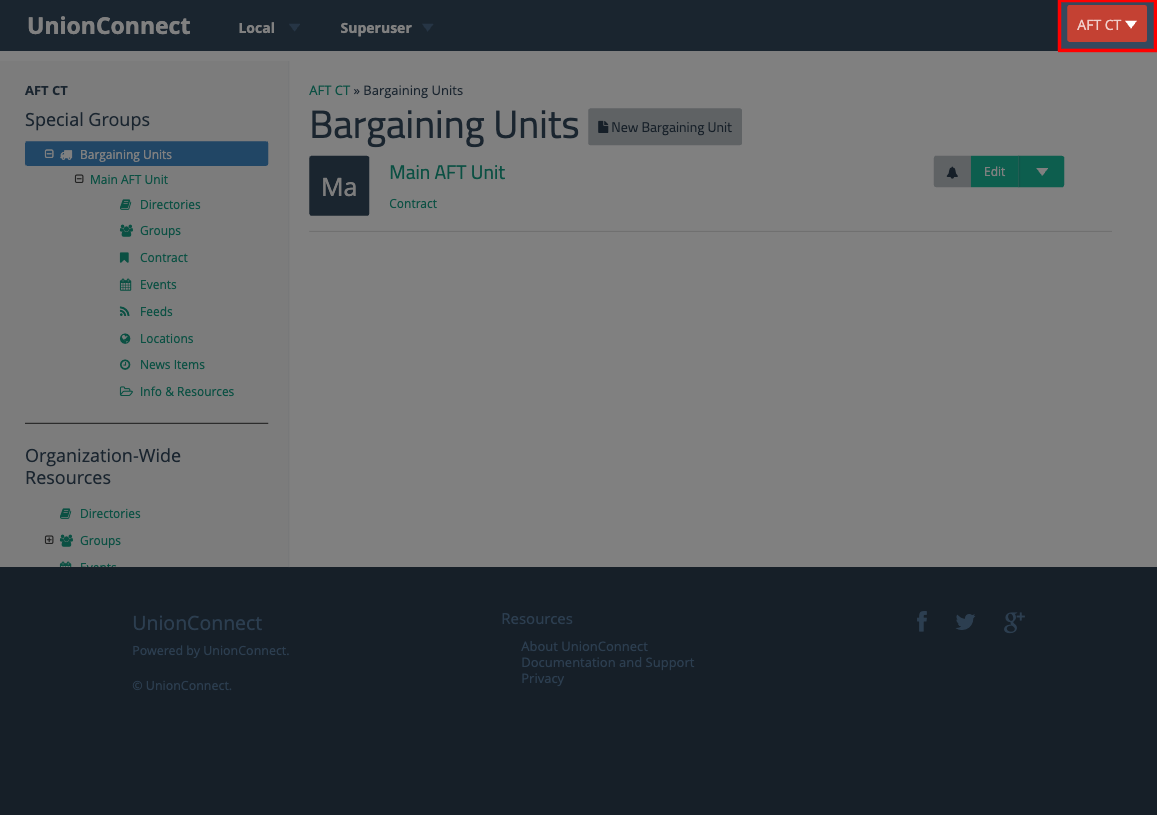
- Look for the local selector button in the top-right corner of the screen. It displays the name of the local you are currently managing:
- Click the button to open a dropdown list of all the locals you have access to:
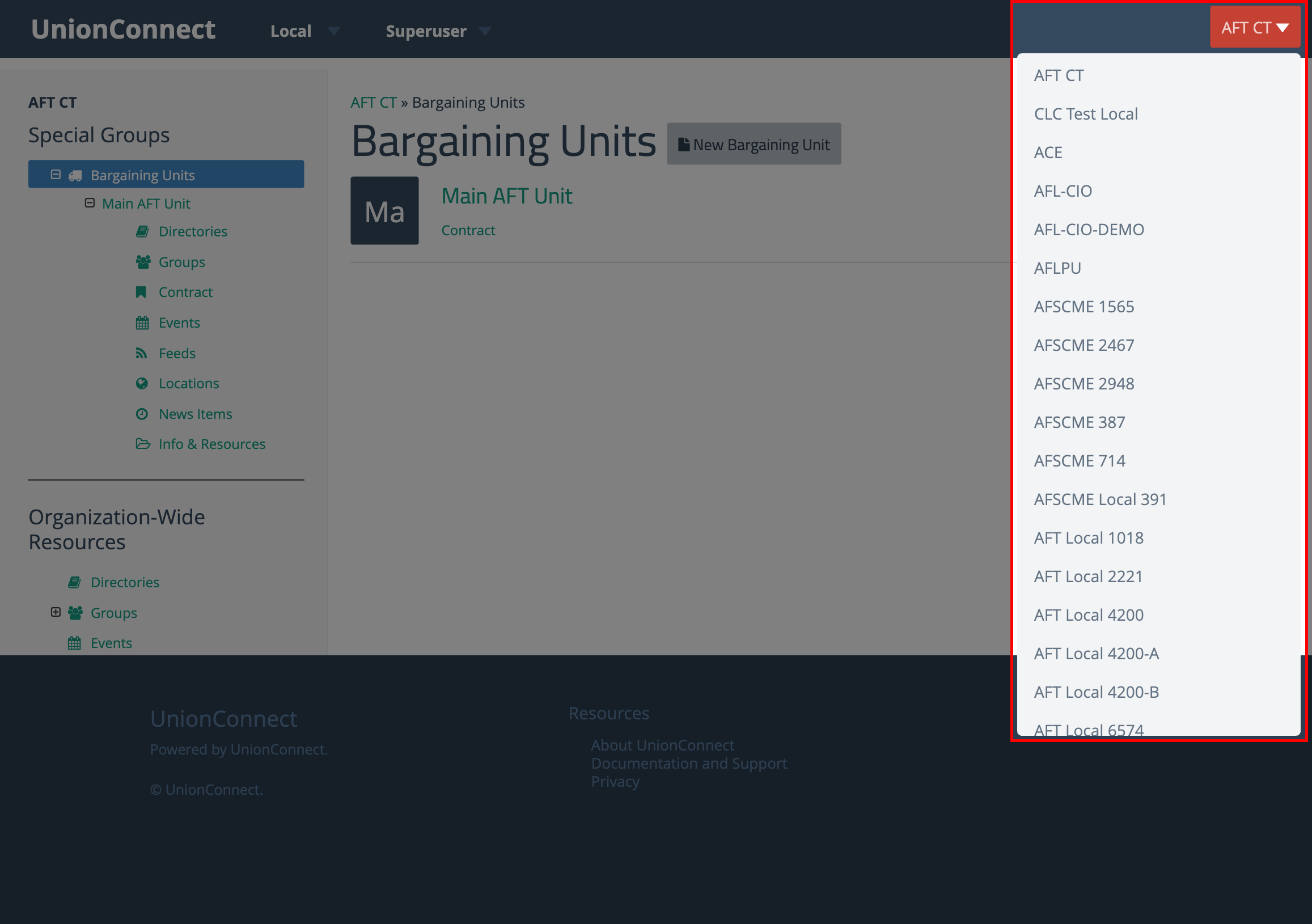
- Click on the name of the local you want to switch to. The page will reload and you will now be managing the selected local.
The sidebar navigation and all content will update to reflect the local you switched to. You can switch back at any time by clicking the local selector button again.